
“Did I send that file already?” “My phone’s storage is full and I can’t take any more photos!”
Do these frustrations sound familiar? Whether it’s for work or personal use, file sharing and data management can be a real headache. Well, I’ve got some great news for you! Did you know that Rakuten’s cloud service, Rakuten Drive, is incredibly useful—even on the free plan?
If you’ve been wondering, “Is Rakuten Drive actually any good?”, you’re in the right place. Let’s dive into why it’s so popular and how it can make your file sharing a total breeze!
50GB for Free! Plenty of Space for Reliable Backups
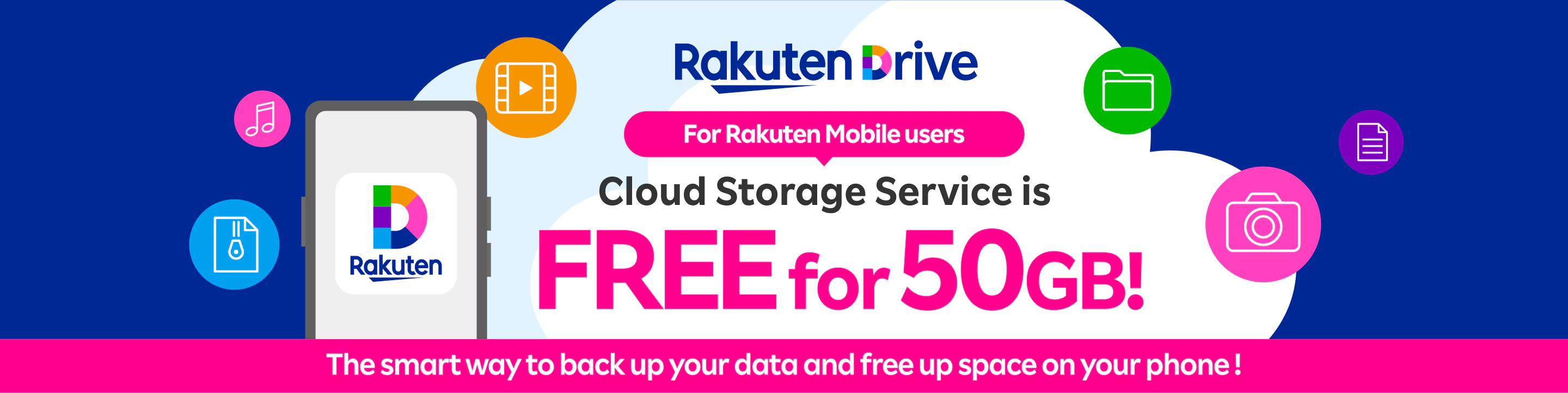
The best part about Rakuten Drive isn’t just the sharing features; you get up to 50GB of storage on the free plan! That’s plenty of room to solve those annoying “storage full” warnings on your phone.
To give you an idea of just how much that is:
Photos: About 17,000 images (assuming 3MB per photo)
Videos: About 170 hours of footage (assuming 5MB per minute)
With that much space, you can easily back up all your precious memories or important documents. Whether you’re organizing work files on your PC or clearing up space on your smartphone, this is a tool you’ll definitely want to have in your pocket.
Why Everyone Loves Rakuten Drive
The biggest draw is how easy it is to use. If you have a Rakuten ID, you can get started right away. Even the free plan comes packed with features that make life easier:
Super Smooth File Sharing: Need to send large videos, photos, or heavy documents that won’t fit in an email? Just create a share link in Rakuten Drive and you’re good to go. The recipient doesn’t even need an account to download them!
Peace of Mind with Transfer History: No more wondering, “Did they actually get it?” You can check exactly when and who downloaded your files.
Secure Password Protection: For sensitive files, you can add a password to your links. It’s a great way to ensure your data stays safe and only gets to the right people.
Access Anywhere, Anytime: With the dedicated app, you can access your files from your phone or PC whenever you need them. Whether you’re on the go or at your desk, your files are always right there.
How to Make File Sharing a Breeze
Using it is super simple:
1. Log in: Access Rakuten Drive using your Rakuten ID.
2. Upload: Just drag and drop your files.
3. Create a Link: Select the file you want to share and click “Create Link.”
4. Send: Copy the link and share it via email or chat. You can even set a password for extra security!
That’s it! No more stress over large file transfers.
Conclusion: Leave File Sharing to Rakuten Drive!
If you thought “free” meant “limited,” think again! Rakuten Drive is a powerhouse for individuals and small teams alike, perfect for both sharing files and backing up your mobile data.
Stop struggling with file limits and storage space. Why not start enjoying a more comfortable digital life with Rakuten Drive? Give it a try today and see for yourself how much easier it makes things!
Related Articles

Comprehensive Guide on Rakuten Mobile’s Contract Period and Cancellation Fees

How to Cancel Your Rakuten Membership: A Simple Step-by-Step Guide

Rakuten Mobile eSIM Guide | Comprehensive Explanation of Setup, Benefits, and Compatible Devices

Easy for Everyone! How to Cancel Rakuten Mobile

How to Switch from Physical SIM to eSIM for Free