
Before switching carriers via MNP, many people want to “test the signal, speed, and overall usability first.” One of Rakuten Mobile’s strengths is how easy it is to try it out while keeping your current line active. Because you can add a new contract and keep using the same smartphone, it helps reduce the anxiety of switching your main line all at once. Here, we’ll introduce ways to try it first—and switch only after you’re satisfied.
Easily Test It with Rakuten WiFi Pocket Platinum!
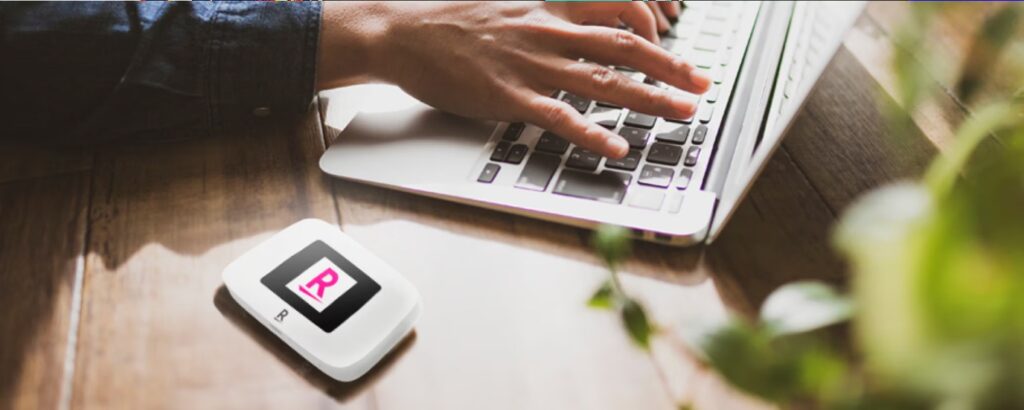
If you want to try Rakuten Mobile’s network at home or on the go, the “Rakuten WiFi Pocket Platinum” is a great option. It’s a pocket-sized Wi‑Fi router that lets you test Rakuten Mobile data separately from your smartphone, making it easy to check connectivity in places you spend a lot of time—your commute, workplace, home, and more. It’s compact and portable, and it supports connecting multiple devices, so it’s also convenient if you want to get your smartphone plus a PC or tablet online at the same time. Setup can be done by following the on-screen instructions or scanning a QR code, which is reassuring even for those who aren’t comfortable with complicated steps.
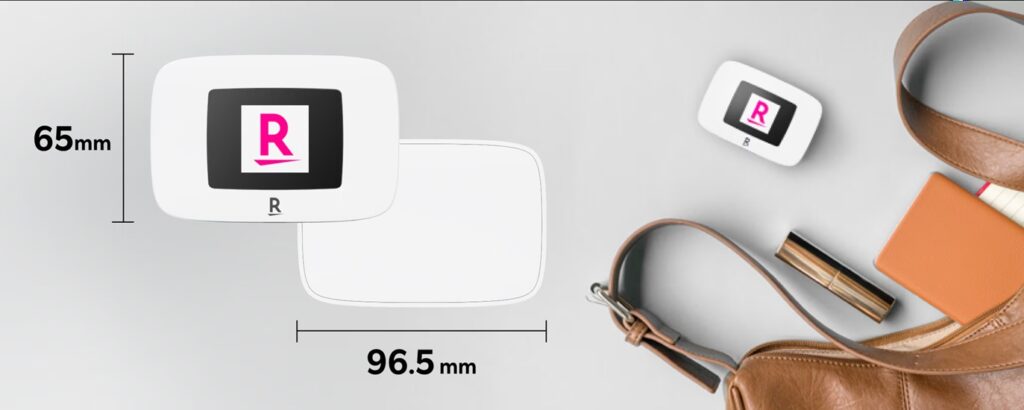
The “Rakuten WiFi Pocket Platinum” also supports Rakuten Mobile’s “Rakuten SAIKYO Plan” and can be used on 4G LTE. With support for the platinum band, improved performance may be expected indoors or underground—making it a real advantage that you can test how it works in your own day-to-day environment and decide accordingly. The device price may be discounted through campaigns, so be sure to check the latest terms on the official website (details may change or end).
Use Dual SIM for a Smarter Side-by-Side Setup!
If you want to try Rakuten Mobile on your current smartphone, using “Dual SIM” is recommended. Dual SIM is a setup where you configure two SIMs on one phone (such as a physical SIM + eSIM, or eSIM + eSIM) and switch between lines as needed.
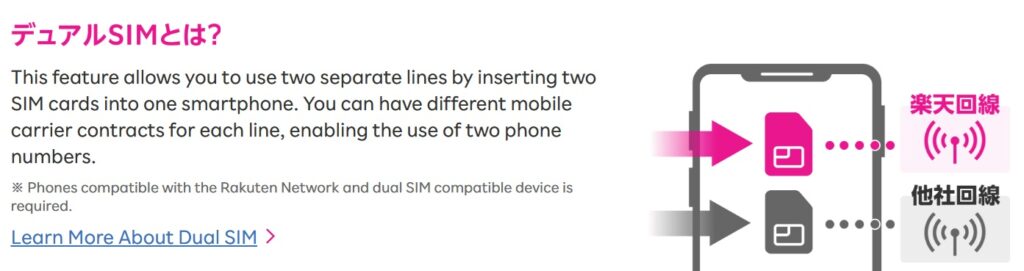
Because you can add Rakuten Mobile while keeping your current main line, you can do things like “keep calls and SMS on my current carrier, and test data only on Rakuten Mobile.” You can also compare networks by switching your data line depending on the situation—using Rakuten’s network when you’re out, and the other line when you’re inside buildings, for example. What’s more, if you use the Rakuten Link app, you can also test domestic calling (some calls may be excluded), making it easier to evaluate not just data performance but overall call quality as well. Since this requires a device that supports Dual SIM and/or eSIM, it’s best to confirm compatibility in advance.
Peace of Mind if It’s Not for You: Easy Cancellation
Even if you sign up just to try it and later feel “maybe it’s not a good fit,” there’s no need to worry. Rakuten Mobile has no contract lock-in period, and you can cancel online through “my Rakuten Mobile.” If you’re unsure during the process, you can simply follow the on-screen guidance to complete it.
However, please note that for lines contracted on or after April 1, 2025, if Rakuten determines there has been “no actual usage” within one year, a cancellation fee of up to ¥1,078 may apply. There’s no need to return the SIM card after cancellation—you can dispose of it yourself. Also, monthly charges are not prorated, so it’s safer to consider the timing as well.
If you transfer your number to another carrier via MNP, Rakuten Mobile will generally be canceled automatically once activation with the new carrier is completed.
Summary
By using the Rakuten WiFi Pocket Platinum or Dual SIM, you can first test connectivity, speed, and calling usability in the places you actually spend time. Then, once you’re satisfied, you can switch via MNP with confidence. Another appealing point is that cancellation can be completed mostly online, making it easy to take that first step.
Related Articles

Comprehensive Guide on Rakuten Mobile’s Contract Period and Cancellation Fees

How to Cancel Your Rakuten Membership: A Simple Step-by-Step Guide

Rakuten Mobile eSIM Guide | Comprehensive Explanation of Setup, Benefits, and Compatible Devices

Rakuten Mobile Offers 2GB Free Even Overseas!

Easy for Everyone! How to Cancel Rakuten Mobile